
Live CCTV Login Process :
First Need to Download the Software for the PC / Android APP
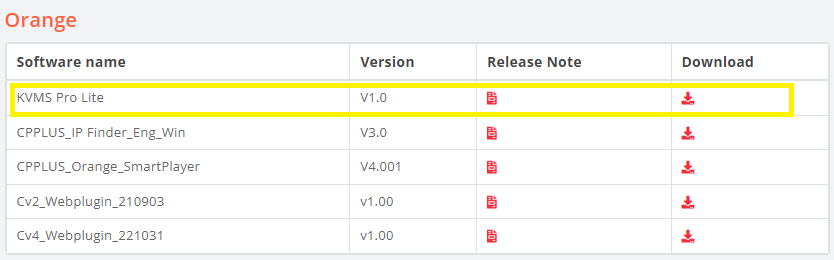
– For Windows: Download the KVMS Pro software for your Windows PC >> Click here to download KVMS Pro Lite Software Indicate Right side ->
– For Android: Download gCMOB APP then Install. >> Click here to download
After installation use the following login credential to view the live CCTV Camera from our different Project locations as follows :
After installation use the following login credential to view the live CCTV Camera from our different Project locations as follows :
| Sl.No | Project Name | Serial Number |
|---|---|---|
| 1 | Nuhass Senior Citizen’s Home | 2003011696000136 |
| 2 | IRCA Centre Bhadrak | GB4WVM40QAE2XU8D |
| 3 | Residential Primary school | 2003011801010495 |
NVR ID, User ID, Password given to Ministry through e-mail and given in e-anudan portal also please follow.